
Picsart AI Photo Editor, Video
PicsArt, Inc.

Keep exploring
















| Category | Photography |
| Installs | 1,000,000,000+ |
| Version | 30.5.2 |
| Updated | Aug 11, 2026 |
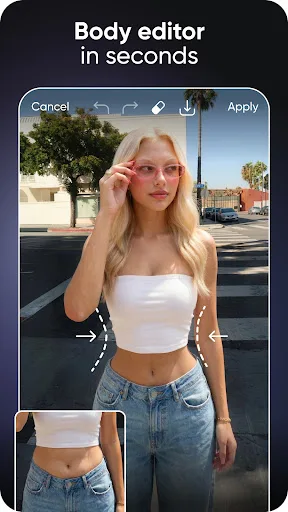
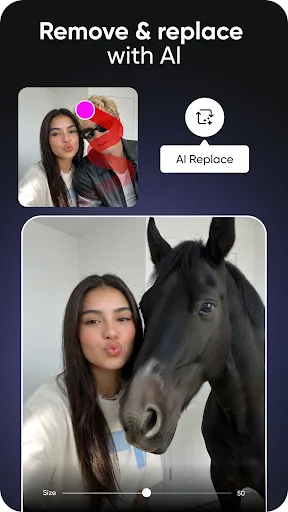
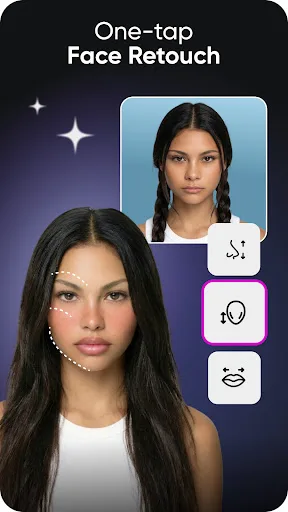
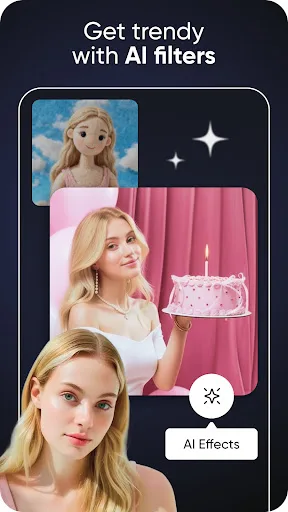
About this app
App Overview
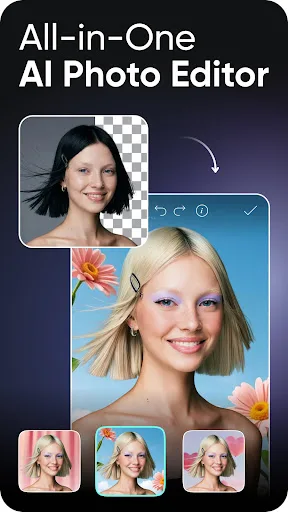
Picsart AI Photo Editor, Video is a broad photography and design application from PicsArt, Inc., built for editing images, producing short videos, and creating visual designs. Its primary job is to turn photos, ideas, and prompts into finished content through background and object removal, retouching, filters, templates, collages, text, stickers, and generative AI tools. The service is organized as a multi-purpose creative workspace rather than a single-purpose photo editor, with separate workflows for images, video, AI generation, and design projects described across its feature set. It is aimed at general photo editors, social-content creators, small businesses, and people exploring AI art. Sessions can be brief for an isolated cleanup or longer for a video, collage, or design project, making it suitable for both occasional utility and frequent creative work. Its scale is notable: Picsart says Aura is trusted by more than 150 million creators, while the Android listing reports over one billion installs.
Key Features
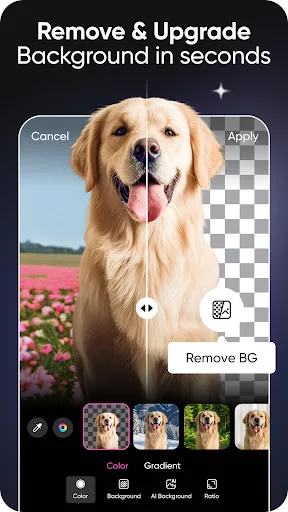
- Background Removal The background remover creates cutouts, refines edges, and supports replacement or blended backdrops for product images, advertisements, and general photo projects.
- Object Erasing Object Remover deletes unwanted objects, clutter, and imperfections, allowing edits to focus attention on the remaining subject without rebuilding the whole image.
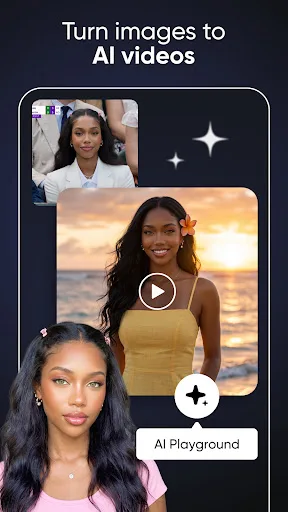
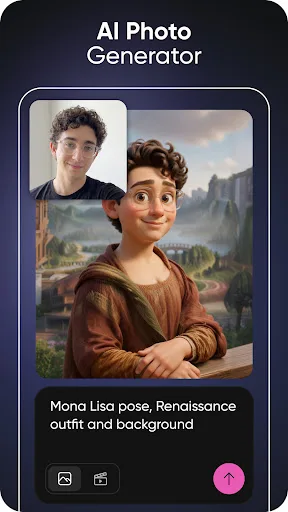
- Generative AI Tools AI features generate images, videos, GIFs, avatars, captions, and expanded scenes from text, images, or ideas, with availability varying across tools and models.
- Video Editing The video editor combines clips with music, effects, text, filters, and image-to-video tools, supporting short-form edits and video collages.
- Templates And Collages Customizable templates, grids, freestyle collages, logos, posters, business cards, and social posts provide starting points for structured visual projects.
What Makes It Stand Out
Picsart stands apart through breadth rather than a narrowly defined editing specialty. It combines conventional photo tools with generative features, a large sticker library, design templates, and a conversational AI workspace, covering several creative tasks in one catalog.
- Broad Creative Scope Photo editing, video creation, graphic design, AI art, collages, stickers, and text tools are presented within the same service rather than separate product categories.
- Conversational Aura Aura lets creators describe visual ideas in a conversation, suggests prompts, generates and refines images or videos, remembers chats, and supports session sharing.
- Large User Base The service reports more than 150 million creators, and its Android listing records over one billion installs, indicating unusually broad adoption for this category.
Things to Know Before Installing
The listing presents Picsart as free, but it also advertises Picsart Plus and Pro plans with premium content, additional AI tools, more retouch features, storage, and team seats. The Teen rating and middling 3.99 score are relevant context for households and expectations.
- Paid Plans The free listing sits alongside Plus and Pro upgrades, so some premium content, templates, AI tools, retouch features, storage, or team capabilities may require payment.
- Teen Content Rating Google Play rates the app Teen, a consideration for younger users and families evaluating AI image generation, editing features, and the service’s creative community.
- Privacy Review Because the app handles photos, videos, selfies, and creative prompts, users should review Picsart’s privacy policy before uploading personal material or granting access.