
Messenger
Meta Platforms, Inc.

Keep exploring
















| Category | Communication |
| Installs | 5,000,000,000+ |
| Version | 573.0.0.44.88 |
| Updated | Aug 4, 2026 |




About this app
App Overview
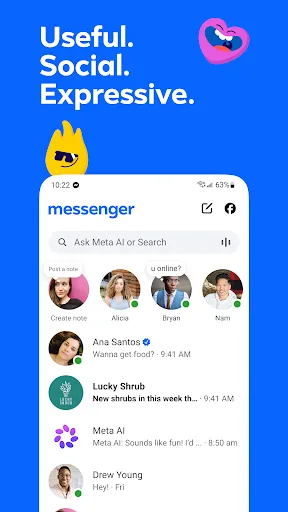
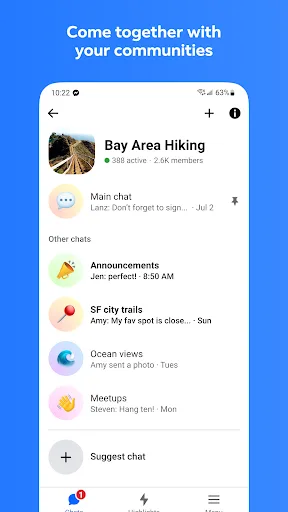
Messenger is Meta Platforms’ communication app for text messaging, voice and video calls, photo and video sharing, group conversations, and social discovery. Its primary job is keeping Facebook and Messenger contacts connected without requiring a phone number. The interface is conversation-centered, organized around individual and group chats, with adjacent features for Stories, broadcast channels, communities, shared albums, and quick status notes. Meta AI adds an assistant layer for questions, advice, homework help, and image creation or editing in supported countries and languages. Sessions are generally suited to frequent short check-ins, while group chats, albums, and creator channels support longer visits. Messenger’s scale is notable: the Android listing reports more than 5 billion installs and a 4.71 rating from over 113 million ratings. Its distinction is breadth rather than a single specialized tool, combining ordinary messaging with expressive media, community spaces, and social updates under Meta’s ecosystem.
Key Features
- Messaging And Calls Individual and group chats support ongoing conversations, while voice and video calls extend communication beyond text. Facebook and Messenger contacts can connect without a phone number.
- High-Definition Photos The app supports clearer photo sharing for conversations, making it better suited to preserving visual details than a basic compressed image exchange.
- Shared Albums Group chats can collect photos and videos into shared albums, giving participants a central place to organize and revisit moments together.
- Large File Sharing Messenger allows files up to 100MB to be sent directly inside chats, including Word, PDF, and Excel documents described by the developer.
- Message Controls Sent messages can be edited for up to 15 minutes, while disappearing messages let end-to-end encrypted chats remove content after it has been read.
What Makes It Stand Out
Messenger stands out through the range of social contexts it places beside conventional chat. It handles private exchanges, community participation, creator updates, and visual expression, while retaining a familiar messaging foundation.
- Broad Social Scope Communities can bring together people from schools, neighborhoods, and interest groups, while broadcast channels provide a separate way to follow creators.
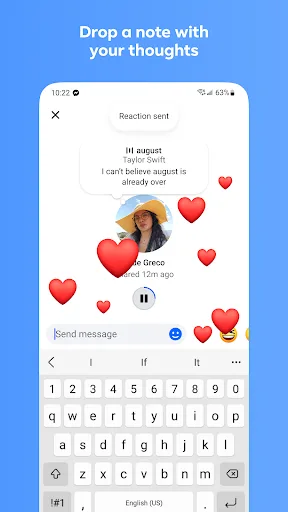
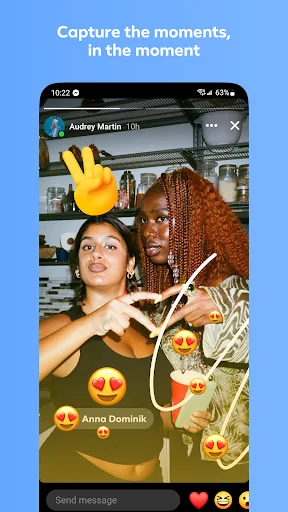
- Expressive Conversations Animated stickers, GIFs, reactions, chat themes, Stories, and disappearing notes give conversations several formats beyond ordinary text.
- Large User Base The Android listing records 5 billion-plus installs and a 4.71 rating from 113,365,335 ratings, indicating substantial adoption and mature distribution.
Things to Know Before Installing
The main considerations involve monetization, regional feature availability, and the sensitivity of the material handled in chats. The app is free to install, but its broad social and assistant features deserve a careful review of account and privacy choices.
- Free Monetization Model The listing marks Messenger as free while indicating likely subscriptions, in-app purchases, or advertising, so some aspects of the experience may carry commercial limits.
- Regional AI Access Meta AI is available only in selected countries and languages, meaning its assistant and creative tools may not appear for every installation.
- Sensitive Shared Content Messages, photos, videos, and documents can pass through the service; reviewing Meta’s privacy policy is sensible before sharing personal material.