Google Chrome
Google LLC

Keep exploring















| Category | Communication |
| Installs | 10,000,000,000+ |
| Version | VARY |
| Updated | Aug 6, 2026 |
About this app
App Overview
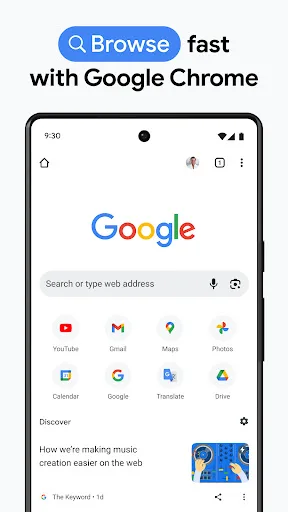
Google Chrome is a communication-category web browser from Google LLC, built for searching, reading, translating, and interacting with websites on Android and iOS. Its primary job is broad web access, with Google Search at the center and additional tools for visual lookup, voice queries, translation, password management, and browsing protection. The interface is organized around a tab-based browsing view, with controls for tab groups, saved information, and browser settings rather than a single content feed. Chrome is aimed at general mobile users who need a daily browser, although its account-based synchronization also supports people moving between phones, tablets, and computers. A typical session can last from a few seconds for a search to much longer for extended browsing, making it a frequent-use utility rather than an occasional tool. Its distinctive quality is the concentration of Google services inside the browser, including Lens, Translate, Password Manager, and Safety Check. Feature availability varies by country and language.
Key Features
- Google Search Search provides quick access to Google results, while voice search supports hands-free queries when speaking is more practical than typing.
- Google Lens Lens uses the device camera to search for information about visible subjects, extending web search beyond typed words.
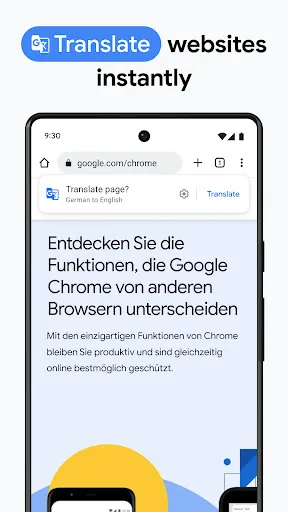
- Page Translation Google Translate can translate complete websites in one action and supports browsing across more than 130 languages.
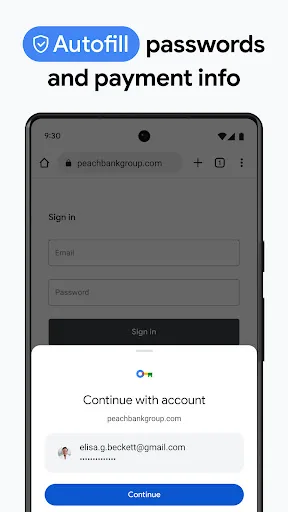
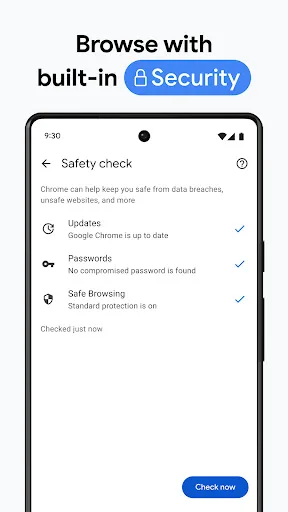
- Password Management Chrome can generate and save passwords, autofill saved sign-in details, and alert users when stored passwords may be at risk.
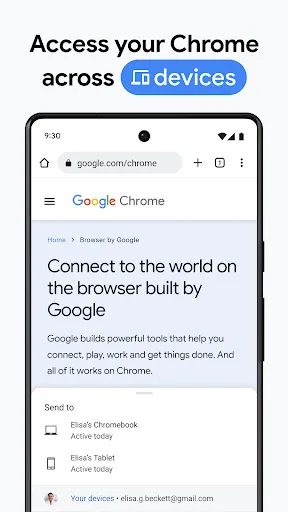
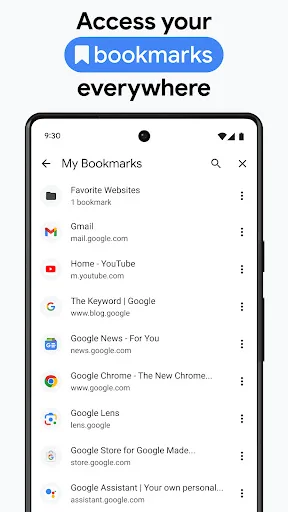
- Cross-Device Sync Signing in allows bookmarks, tabs, and passwords to remain accessible across a phone, tablet, and computer using Chrome.
What Makes It Stand Out
Chrome stands out through the breadth of Google services attached to a familiar browser framework. Its enormous install base and strong rating indicate wide adoption, while security and synchronization address routine browsing needs.
- Broad Adoption More than 10 billion Play Store installs and a 4.13 rating from over 49 million ratings show substantial reach and sustained use.
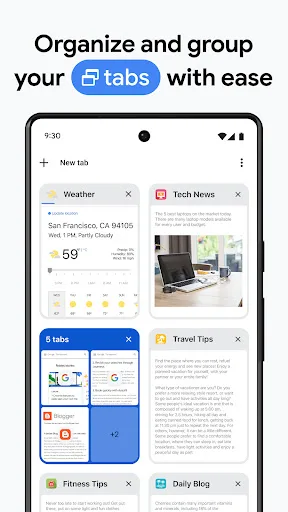
- Integrated Tools Search, Lens, Translate, password management, autofill, and tab organization are presented as parts of one browser experience.
- Security Checks Enhanced Protection Mode and Safety Check provide browser-level safeguards and proactive alerts alongside password risk notifications.
Things to Know Before Installing
Chrome is free to install, but its broad role in web activity makes privacy settings and permissions worth reviewing. The large download is another practical consideration, and some features depend on language, country, or device compatibility.
- Large Install Size The listed package size is about 389 MB, before additional space used by updates, cached webpages, and locally stored browser data.
- Sensitive Browser Data Bookmarks, tabs, passwords, addresses, and saved payments can be handled by Chrome, so its privacy policy and account settings deserve attention.
- Variable Availability Feature access is not uniform: Google states that availability varies by country and language, while compatibility can differ by device.