
Google Maps
Google LLC

Keep exploring
















| Category | Travel & Local |
| Installs | 10,000,000,000+ |
| Version | VARY |
| Updated | Aug 7, 2026 |

About this app
App Overview
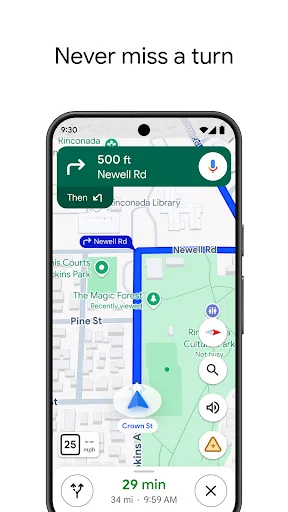
Google Maps is a Travel & Local app built by Google LLC, with navigation and location discovery at its center. Its primary job is to guide journeys by car, on foot, bicycle, or public transport while helping users find nearby businesses, attractions, events, and activities. The interface is organized around an interactive map, search controls, route views, place pages, saved lists, and navigation screens rather than a single feed. Live traffic, incidents, transit updates, reviews, photos, and business details connect route planning with local research. Sessions can be brief, such as checking a route or opening turn-by-turn guidance, or extended when planning a trip, comparing places, and saving destinations. Offline maps support navigation in areas with weak signal, while Street View, Immersive View, Lens, and crowd information add visual and contextual layers. Its distinctive quality is breadth: the app combines mapping, directions, local listings, trip planning, and community-maintained place information at an unusually large scale.
Key Features
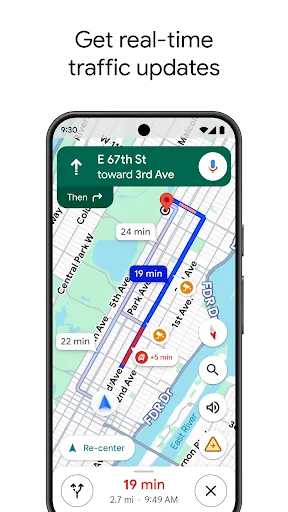
- Live Route Guidance Turn-by-turn voice and on-screen navigation use current traffic, incidents, and road closures to update routes while a journey is underway.
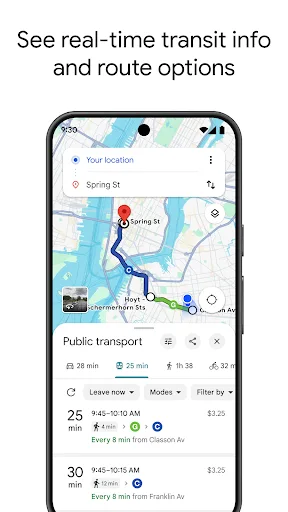
- Multi-Mode Directions Directions support driving, walking, cycling, and public transportation, with options involving buses, trains, ride-share services, bikes, and scooters.
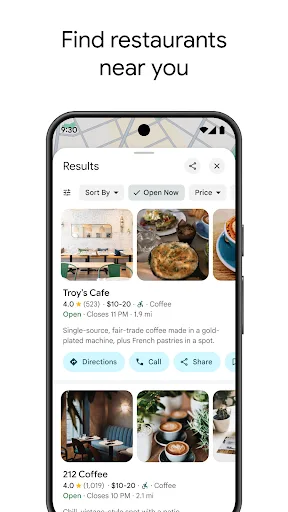
- Local Place Discovery Search results cover businesses and attractions with photos, reviews, hours, pricing information, and other details for evaluating nearby options.
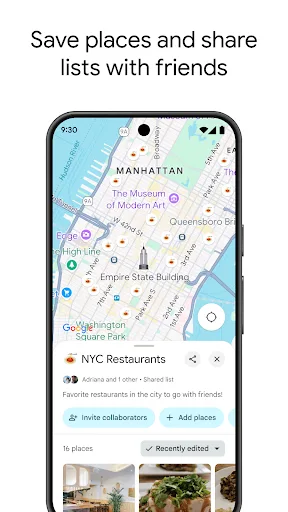
- Trip Planning Tools Street View, Immersive View, custom saved lists, reservations, delivery, takeout, and hotel booking support research before visiting an area.
- Offline Map Access Downloaded maps provide access to navigation in areas with poor signal, reducing dependence on a continuous mobile connection during travel.
What Makes It Stand Out
Google Maps stands apart through the range of information layered onto its map. Its scale, community contributions, and visual previews make it useful not only for navigation but also for deciding where to go.
- Large Place Database The service describes coverage of more than 250 million businesses and places, spanning restaurants, shops, landmarks, and everyday essentials.
- Community Updates Hundreds of millions of users contribute information each year, helping keep place and map details current across a broad geographic area.
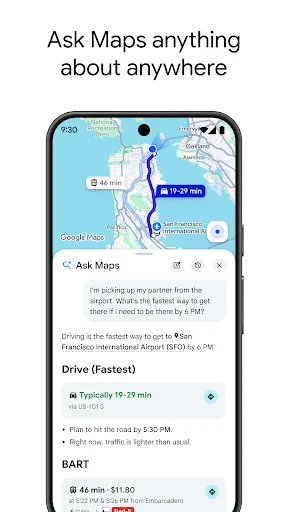
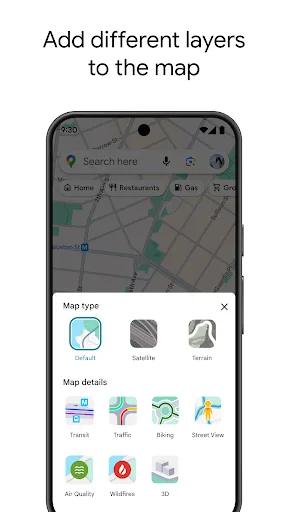
- Contextual Exploration Busy-time indicators, user reviews, photos, weather information, Lens overlays, and questions about places add context beyond basic point-to-point directions.
Things to Know Before Installing
The app is free and exceptionally widely installed, but its scale means monetization and privacy deserve attention. Location-based tools also involve meaningful permissions, while the rating is a notable signal alongside the huge review count.
- Location Access Navigation depends on GPS and location information, and users should review location permissions and Google’s privacy policy before enabling access.
- Camera Features Lens in Maps can overlay walking directions on the real world, making camera access a relevant permission consideration for that feature.
- Mixed User Rating A 3.25 rating from more than 19.5 million ratings is relatively modest for an app with over 10 billion Play Store installs.















