
Google Translate
Google LLC

Keep exploring












| Category | Tools |
| Installs | 1,000,000,000+ |
| Version | VARY |
| Updated | Aug 10, 2026 |
About this app
App Overview
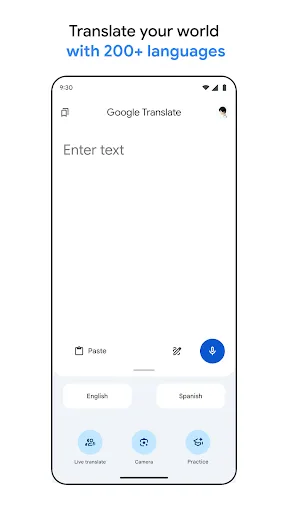
Google Translate is a Tools app focused on language translation, with Google LLC behind it. Its primary job is converting written, spoken, photographed, and handwritten language into another language, ranging from quick text lookups to live bilingual conversations. The interface is organized around distinct translation modes rather than a single feed: text entry, camera, photos, conversations, handwriting, phrasebook, and transcription each serve a separate use case. That structure makes the app suitable for occasional travel-related checks as well as repeated daily reference, although the source does not specify a typical session length or usage frequency. Its strongest distinction is breadth. Text translation covers 108 languages, while offline, camera, photo, conversation, handwriting, and transcription tools each support their own language counts. With more than one billion Play Store installs and a 4.27 rating from over nine million ratings, it is a broadly established utility rather than a specialist translator built for one narrow workflow.
Key Features
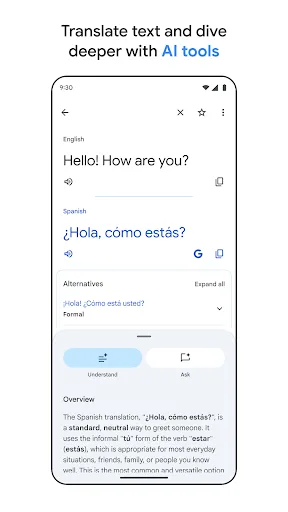
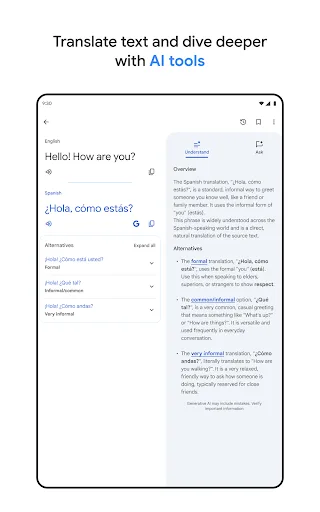
- Text Translation Typed translation supports exchanges between 108 languages, providing the app’s broadest and most straightforward method for converting written language.
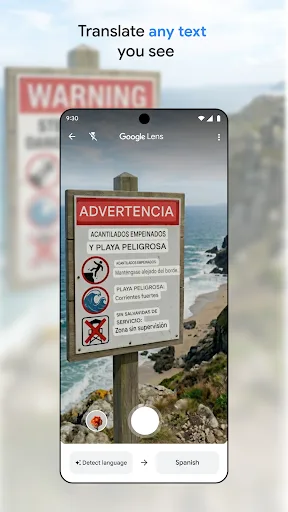
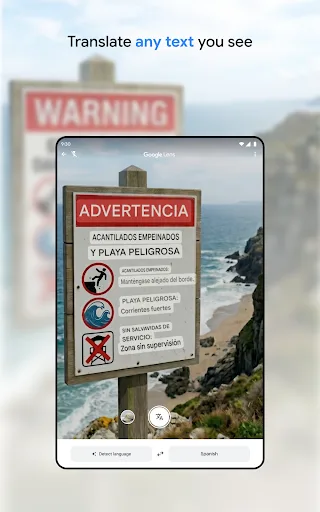
- Camera Translation The camera can translate text in images by pointing at it, while imported or newly taken photos support higher-quality translations across separate language coverage.
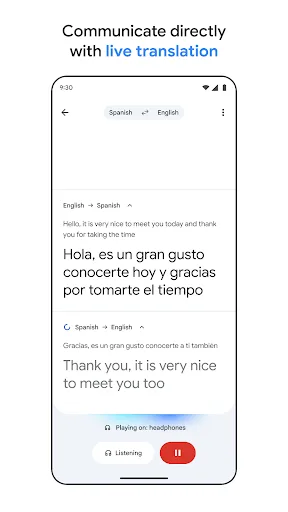
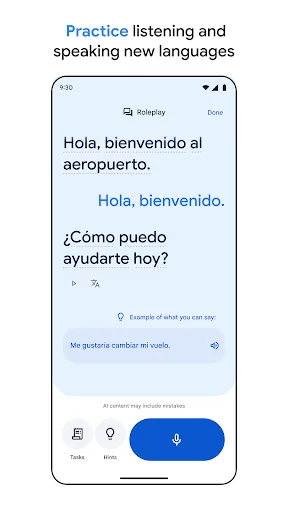
- Conversation Mode A bilingual conversation mode translates exchanges on the fly in 70 languages, making spoken back-and-forth communication the central workflow.
- Offline Translation Downloaded translation data allows translation without an internet connection in 59 languages, which adds practical value when connectivity is limited.
- Phrasebook Sync Starred words and phrases remain available in a phrasebook, and logging in can sync that reference material between the app and desktop.
What Makes It Stand Out
Google Translate’s advantage is the range of input methods in one established utility. It moves beyond typed phrases without abandoning them, while its install reach and large rating sample provide useful context about its maturity.
- Broad Language Coverage The app supports translation between 108 languages by typing, with substantial but varying coverage for camera, handwriting, conversation, photos, and transcription.
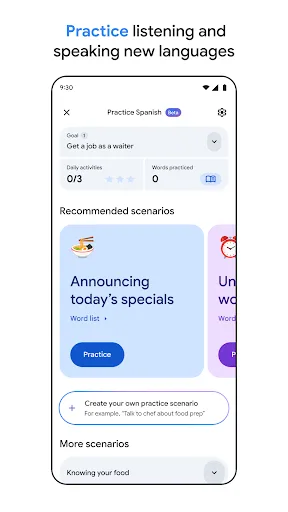
- Multiple Input Modes Speech, images, handwriting, and typed text are handled as separate tools, allowing the same app to address different translation situations.
- Established Utility More than one billion Play Store installs and 9,034,605 ratings indicate a long-established service with unusually broad adoption for a translation tool.
Things to Know Before Installing
The main considerations concern permissions, account-linked syncing, and the limits of feature coverage. Some capabilities require access to sensitive device inputs, while offline use depends on downloaded language data rather than covering every supported language.
- Optional Permissions Microphone, camera, external storage, and contacts permissions may be requested for speech, camera translation, offline data, and account management; the app can work without granting them.
- Sensitive Data Review Camera images, microphone input, contacts, and saved phrases can involve personal information, so Google’s privacy policy merits review before access is granted.
- Uneven Offline Coverage Offline translation supports 59 languages, fewer than the 108 available for typed translation, and requires downloading translation data to external storage.















