Google Photos
Google LLC

Keep exploring














| Category | Photography |
| Installs | 10,000,000,000+ |
| Version | VARY |
| Updated | Aug 4, 2026 |
About this app
App Overview
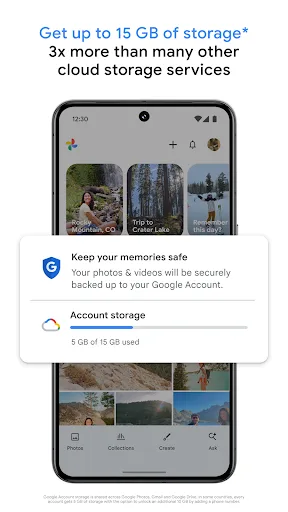
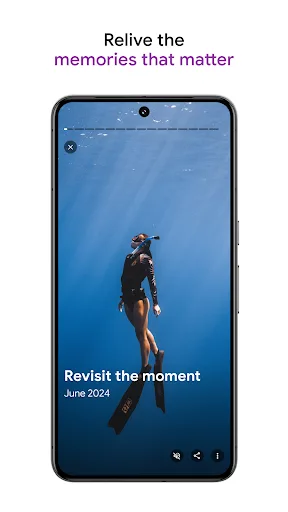
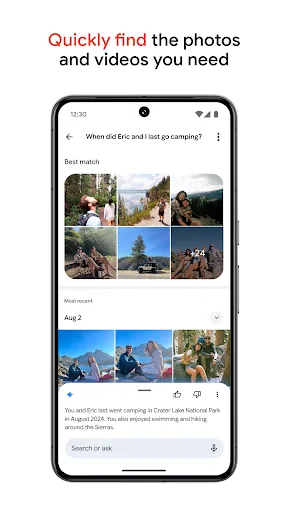
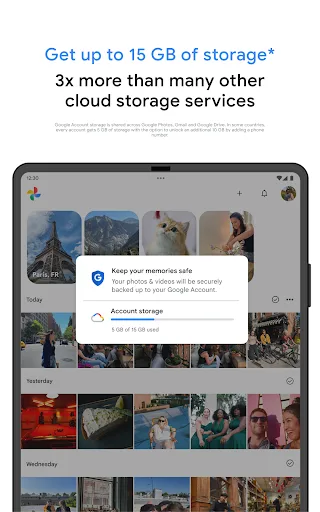
Google Photos is a photography app built around cloud backup, gallery management, editing, and sharing. Google LLC positions it as a central home for photos and videos, with each Google account receiving up to 15 GB of shared storage across Google Photos, Gmail, and Google Drive. Its interface is gallery-centered, supported by folders for screenshots and documents, custom albums, photo stacks, a locked folder, and tools for browsing memories. Search is a defining part of the experience, using natural descriptions alongside Google AI to find images by people, places, objects, or activities. The app suits frequent background backup and short, occasional sessions for editing, organizing, or revisiting older images. Automatic organization and device-space cleanup give it a practical role beyond a conventional camera roll. Its distinctive character comes from combining storage, semantic search, AI-assisted edits, sharing, and memory features within one mobile photography service.
Key Features
- Cloud Backup Photos and videos can be backed up automatically across devices, with up to 15 GB of Google account storage shared with Gmail and Google Drive.
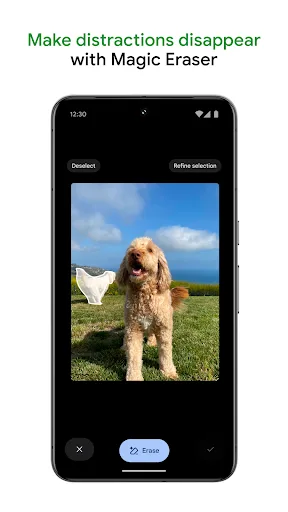
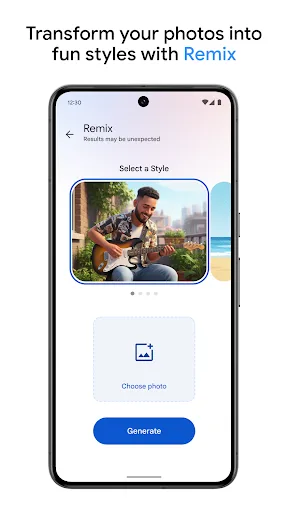
- AI Editing Tools Magic Eraser removes distractions, Unblur improves out-of-focus images, and Portrait Light adjusts lighting and brightness through a few editing steps.
- Natural Language Search Descriptive searches can locate memories by people, activities, objects, and settings, reducing the need to browse a large gallery manually.
- Automatic Organization Photo stacks, duplicate and similar-image handling, folders, albums, and a locked folder help separate everyday images from sensitive or specialized content.
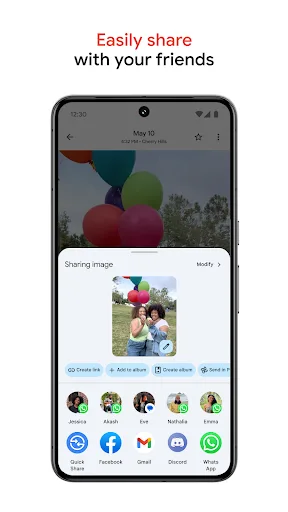
- Memory Sharing Photos, videos, and albums can be shared with contacts, including people who do not use Google Photos, while Lens identifies text and objects.
What Makes It Stand Out
Google Photos stands out through the breadth of its library management rather than a single editing specialty. Its scale, AI-assisted discovery, and integration with device storage give the service a broad role in everyday photography.
- Massive User Base The Android listing reports more than 10 billion installs and a 4.40 rating from over 53 million ratings, indicating wide adoption and substantial usage.
- Device Space Cleanup Backed-up photos can be removed from device storage in one action, making the app useful when a phone’s local gallery becomes crowded.
- Integrated Lens Tools Google Lens can identify text and objects in images, extending the gallery from a storage destination into a way to interpret visual information.
Things to Know Before Installing
The app is free to install on Android and iOS, but storage is shared with other Google services and some capabilities involve additional costs or account resources. Photo libraries also deserve careful privacy review.
- Shared Storage Limit The included allowance is up to 15 GB across Google Photos, Gmail, and Google Drive, so heavy photo and video backups can consume available account space.
- Sensitive Media Access The service handles personal photos and videos, including optional locked-folder content; reviewing Google’s privacy policy is prudent before enabling backup.
- Optional Paid Services The app is listed as free, while metadata indicates possible subscriptions, in-app purchases, or advertising; printing products also have prices that vary by product.