

CapCut - Video Editor
Bytedance Pte. Ltd.

Keep exploring















| Category | Video Players & Editors |
| Installs | 1,000,000,000+ |
| Version | 19.0.0 |
| Updated | Aug 10, 2026 |

About this app
App Overview
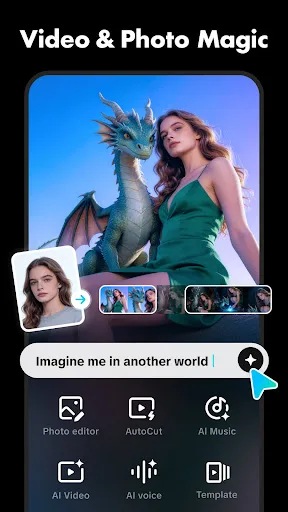
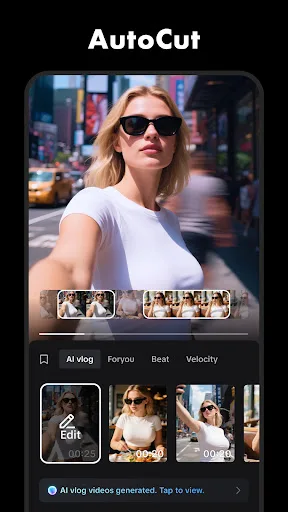
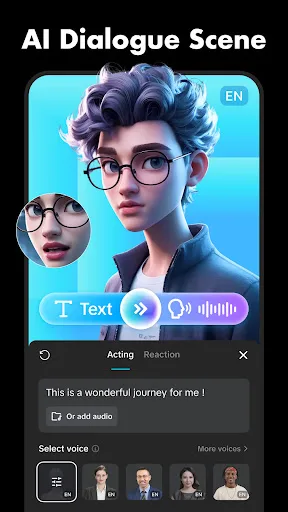
CapCut is a video editing app from Bytedance Pte. Ltd., categorized under Video Players & Editors for Android and iOS. Its primary job is turning recorded clips into finished videos through trimming, splitting, merging, speed changes, transitions, text, sound, and visual effects. The interface is organized around a multi-track timeline, with editing controls for individual clips and broader tools for captions, audio, filters, and effects. The app supports both brief social-video edits and more involved projects, making it suitable for recurring use rather than a single-purpose utility. Beginners can start with basic controls, while experienced editors have access to keyframe animation, chroma key, stabilization, slow-motion tools, and background removal. Its distinctive quality is the range of automated and advanced functions within a mobile workflow, including speech-based captions and text-to-speech. With more than one billion installs, it is widely distributed, although its 3.56 rating across nearly 13 million ratings indicates a mixed user experience.
Key Features
- Multi-Track Editing The timeline lets editors arrange, preview, split, merge, and trim clips across multiple tracks, providing a structured workspace for assembling videos.
- Keyframe Animation Keyframes are available for all settings, allowing changes to be animated over time instead of applied as static adjustments to an entire clip.
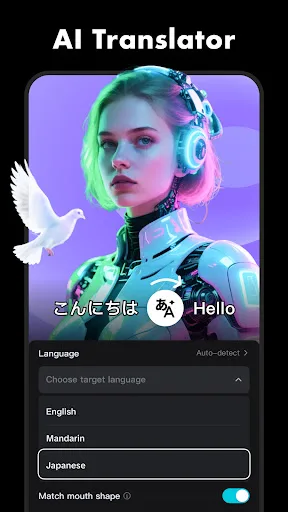
- Automated Captions Speech recognition generates captions for videos, reducing manual subtitle entry and making spoken content easier to present with on-screen text.
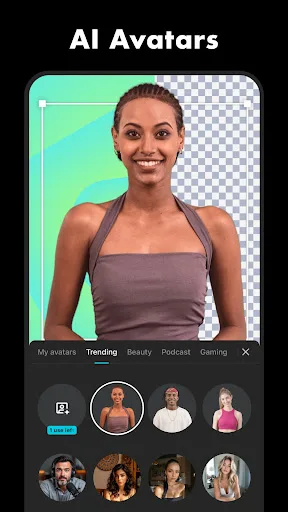
- Background Removal Automatic background removal separates subjects from their surroundings, while chroma key handles footage that uses a specific removable color.
- High-Resolution Export Export controls include adjustable resolution, support for 4K at 60 frames per second, and smart HDR for compatible video projects.
What Makes It Stand Out
The app stands out by putting conventional editing controls beside automated tools and a large collection of presentation effects. Its broad feature set is accessible within a phone or tablet workflow, though the scale of the toolkit may reward users who edit regularly.
- Broad Editing Range CapCut spans simple trimming and speed changes through optical-flow slow motion, stabilization, motion tracking, text-to-speech, and keyframe-based animation.
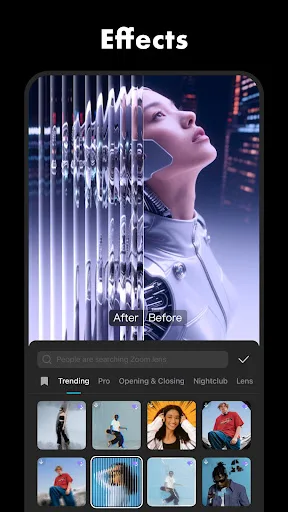
- Frequent Effects Updates Filters are updated weekly, and the app includes hundreds of effects covering styles such as glitch, blur, and 3D.
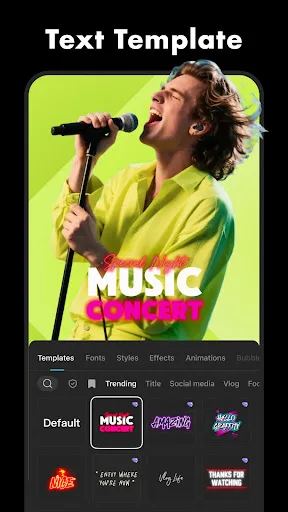
- Flexible Presentation Tools Fonts, text templates, stickers, subtitles, music, sound effects, and extracted audio give projects multiple ways to combine visual and audio elements.
Things to Know Before Installing
CapCut is free to install, but the metadata indicates likely subscriptions, in-app purchases, or advertising. It also handles personal video, audio, and speech content, so privacy terms deserve attention. The Teen rating and relatively modest score are practical considerations alongside its large install base.
- Potential Paid Features The free listing may be supported by subscriptions, in-app purchases, or ads, so access to some functionality may depend on the app's current offering.
- Sensitive Media Access Editing requires working with video and audio recordings, making the developer's privacy policy relevant before importing personal footage or spoken material.
- Mixed User Rating A 3.56 rating from 12,924,997 ratings is notably mixed despite more than one billion installs, suggesting that user satisfaction is not uniform.















